Squarespace Website Launch Checklist


Launching a Squarespace website feels exciting. You design pages and prepare your content. Then you get ready to hit publish. But many people skip key steps before going live. That mistake can hurt your visibility on search engines and confuse your visitors. This Squarespace website launch checklist will guide you through every important step before you launch your new website. You will learn how to improve your user experience. We will also cover extra actions that give your launch a strong start. If you want your site to work smoothly and attract potential customers, keep reading.
Start With a Clean Foundation
Before you publish your Squarespace site, remove anything that does not belong.
Delete all demo content from your Squarespace template. Replace it with real text, images, and business information. Many site owners forget this step, and it creates confusion.
Check every page and confirm it matches your business name, services, and goals. Make sure each section sits in the correct place. Avoid placing content in the wrong place, as it hurts navigation.
Set your site title and confirm it shows correctly in browser tabs. Upload your logo and add a custom favicon to give your brand a polished look.

Secure Your Domain & Site Access
A professional launch always includes a proper custom domain. Much like the one you can launch by partnering with Digital Engage.
Connect your domain to your Squarespace subscription. Avoid using a default free account URL. A custom domain builds trust and helps visitors find your site easily.
Enable your SSL certificate to secure your website. This step protects user data and improves rankings on Google search.
If your site is still under construction, remove the password-protected setting before launch. You want full site availability when users visit.
Fine-Tune Your SEO Settings
Search visibility starts with strong SEO basics.
Open the seo tab and set your seo site description. This helps your site appear in search results.
Write a clear meta description text for every page. Add your primary keyword and relevant target keywords naturally. Avoid stuffing keywords.
Edit each page title and create clean seo titles. Keep them short and relevant.
Adjust your URL slug to match the page topic. Avoid random numbers or unclear text.
Submit your site to Google Search Console and Bing Webmaster Tools. This step helps search engines index your live website faster. You should also consider conducting regular SEO audits to improve performance.
Track Data From Day One
Data helps you make smart decisions.
Connect Google Analytics to your Squarespace site. Enable visitor data enable settings so you can track performance.
Use built-in analytics as well. It gives quick insights into traffic and behavior.
Check that your tracking tools work correctly. Send a test message or visit your site from different devices to confirm that the data appears.

Review Every Link Carefully
Broken links damage your credibility.
Go through your entire site and check all internal links and external links. Fix any broken links immediately.
Test links that open in a new window. Make sure they lead to the correct destination.
Set up proper URL redirects if you changed any page URLs. This step prevents users from landing on error pages.
Optimize for Mobile Devices
Most users visit your site from mobile devices.
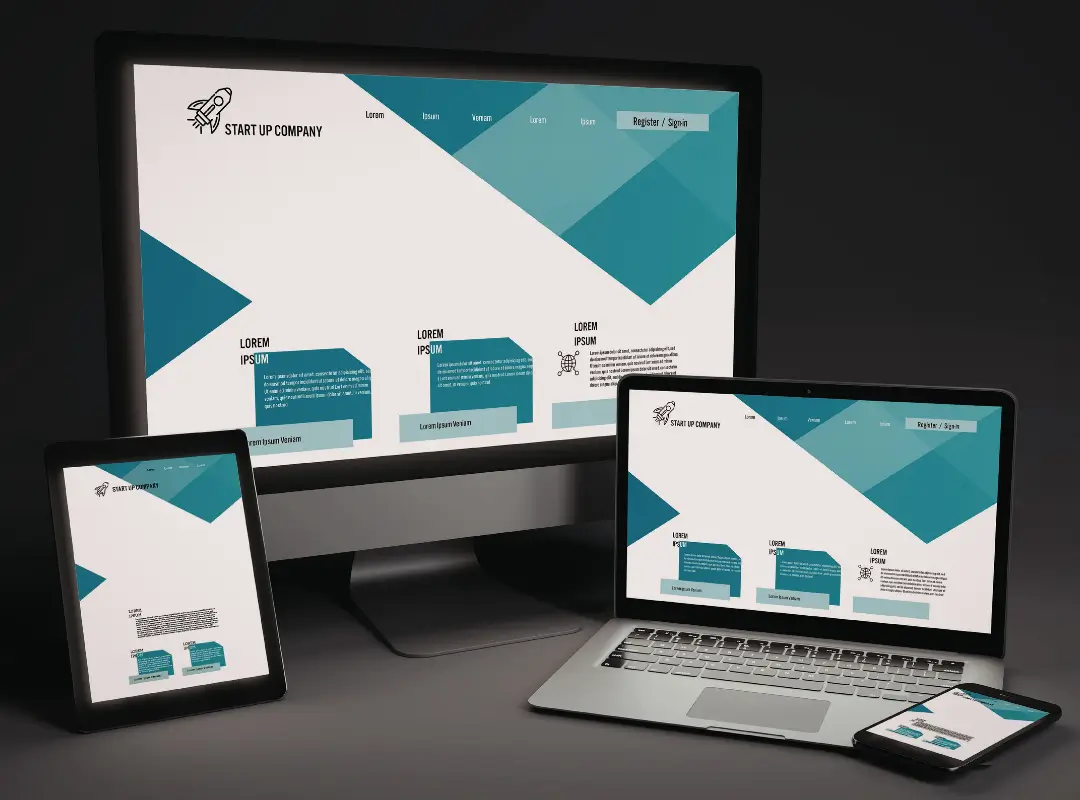
Check your mobile view for every page. Adjust layouts using the fluid engine tools inside Squarespace.
Make sure the text remains readable and the images load correctly. Poor mobile design drives users away.
Test if your website is optimized for different screen sizes. Confirm buttons, forms, and menus work smoothly.
Improve Accessibility & Usability
A good website works for everyone.
Add proper labels for screen readers so visually impaired users can navigate your site.
Use clear headings and create structured content. Keep navigation simple.
Place your cookie banner correctly to comply with privacy standards.
Make sure your business information stays visible and easy to access.
Polish Your Content Before Launch
Content shapes your first impression.
Review all blog posts and your blog page. Fix grammar issues and improve clarity.
Check that your images load quickly and match your brand style.
Update your social sharing settings so links display correctly on platforms.
Double-check everything before you move forward. A small mistake can create a big issue later.
Test Every Function Like a User
You need to see your site through your visitor’s eyes.
Fill out forms and confirm submissions work. Send a test message to verify delivery.
Click every button and menu. Make sure everything leads to the correct place.
Check website loading speed and overall performance. Slow sites lose visitors quickly.
This step acts as your ultimate pre-launch checklist before going live.
Final Steps Before You Hit Publish
Now you are close to launching.
Go through your full launch checklist one more time. Double-check every setting, link, and page.
Confirm your site availability and remove any restrictions.
Click the gear icon in Squarespace settings, then review the final configurations.
When everything looks perfect, click, click, save, then confidently hit publish.
Your live website now stands ready to attract visitors.
Give Your Site a Strong Start After the Launch
Launching your Squarespace website marks the beginning, not the end.
Submit your site to the search console again to update search results faster.
Share your site across platforms and give it a little push to gain traffic.
Monitor performance using analytics tools. Adjust your strategy based on real data.
Keep updating your individual pages and content regularly. Fresh updates help you rank better on Google.
A Smart Launch Sets the Tone
A successful launch does not happen by chance. It requires planning, testing, and attention to detail.
This ultimate Squarespace launch checklist helps you avoid common mistakes and build a strong online presence. When you follow each step, your seo friendly site performs better, attracts users, and supports your business goals. Take your time to review every detail.
FAQs
Before you move forward, here are some common questions clients ask about Digital Engage and their services:
Q1. What services does Digital Engage offer in Nashville?
A: Digital Engage provides SEO, website design, and digital marketing services in Nashville. We help businesses build a strong online presence and attract more customers.
Q2. Can Digital Engage help improve my Squarespace website in Johnson City?
A: Yes, Digital Engage works with businesses in Johnson City to optimize Squarespace websites. We improve SEO and fix technical issues.
Q3. Does Digital Engage offer SEO support for new websites in Knoxville?
A: Digital Engage supports new website launches in Knoxville.
Q4. How does Digital Engage help businesses grow online?
A: Digital Engage focuses on increasing traffic, improving rankings on search engines, and converting visitors into customers through strategic marketing.
Q5. Why should I choose Digital Engage for my website launch?
A: Digital Engage combines technical expertise with practical strategies. We ensure your website performs well, looks professional, and reaches the right audience in Nashville, Johnson City, and Knoxville.
Call Us & Maximize Your Squarespace Site Launch
Launching a new Squarespace website with broken links or improper SEO setup can keep your site from ranking and reaching your audience effectively. Digital Engage provides a detailed Squarespace website launch checklist that ensures your site is optimized for SEO audits and Google Analytics tracking. We also check custom code, blog posts, and mobile responsiveness.
Contact us today for a free consultation and make sure your Squarespace launch hits the mark from day one.