How To Choose A Content Management System


A content management system sits at the center of modern digital operations. It helps you create, organize, and publish digital content without having to deal with heavy coding every time. Businesses use a content management system to manage website content and keep everything structured in one place. We will break down the factors to consider when choosing a content management system. The truth is simple. Choosing the right system can make your workflow easier, while the wrong one can slow everything down. So keep reading, because this choice often decides how easily you grow online.
What a CMS Actually Brings to the Table
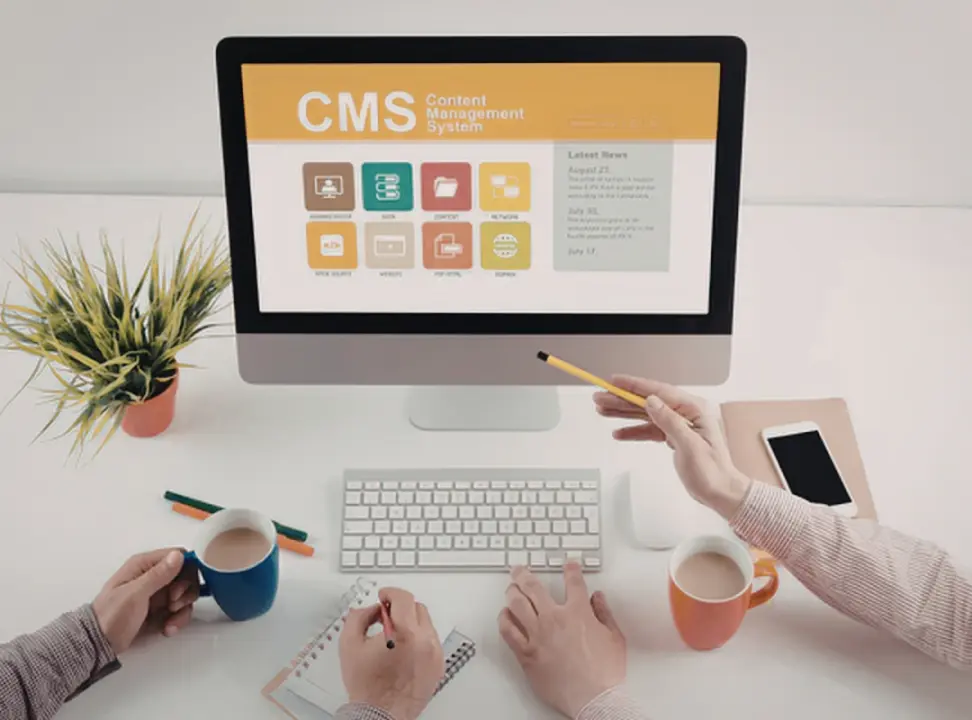
A content management system (CMS) acts like a control room for your digital content. It lets teams create, edit, and publish web pages without touching complex code. Most CMS platforms also support digital asset management, so you can store images, videos, and documents in one place.
Modern CMS software also supports content creation workflows, user permissions, and structured data. This means different team members can work together without stepping on each other’s toes. A good CMS also helps manage content across multiple channels, not just websites. That’s where digital transformation really starts to show its value.
 Look at Your Technical Comfort Level
Before you pick anything, you must check how much technical expertise your team actually has. Some CMS platforms work best for non-technical users, while others demand extensive technical knowledge.
A traditional CMS like WordPress remains popular because it offers a user-friendly interface and simple content editing tools. On the other hand, a headless CMS or decoupled CMS separates the backend from the presentation layer. This gives flexibility but often requires coding knowledge.
So ask yourself one thing: do you want something simple to run or something highly customizable? That answer will already narrow your CMS options.
Focus On the Key Features That Actually Matter
Every CMS promises a long list of features, but only a few truly matter in real use.
Start with built-in SEO tools. A strong CMS should support SEO optimization, structured data, and clean URLs. This helps your web content perform better on search engines and improves website traffic.
Next, check integration capabilities. Your CMS should connect easily with analytics tools, marketing platforms, and ecommerce platforms if needed. Your workflow will break into pieces without smooth integrations.
Also, look at version control. It allows teams to track changes and maintain content history without confusion. Many CMS platforms now include mobile apps, so teams can manage content on the go.
Compare CMS Types Based on Flexibility
You will usually see three main types in the CMS landscape: traditional CMS, headless CMS, and hybrid CMS. A traditional CMS handles both content storage and presentation within a single system. It works well for small businesses and standard websites.
A headless CMS focuses only on storing content and delivering it through APIs. It works best when you want to publish content across multiple platforms, such as apps, websites, and digital screens. A hybrid CMS combines both approaches. It gives you flexibility while still keeping a user-friendly editing system. Many enterprise organizations prefer this because it balances control and scalability.
Don’t Ignore Scalability & Long-Term Growth
A CMS should not only fit your current needs but also support future growth. As your digital content expands, your system must handle more users, more traffic, and more digital assets.
Check if the CMS supports multiple languages if you plan to reach wider audiences. Also, review its user permissions system to control who can edit or publish content.
Strong CMS platforms also offer active developer communities and technical support. That matters more than people think. When something breaks, you want quick answers, not long delays.
Think About Cost & Ownership
Every CMS comes with a cost structure. Some use licensing fees, while others follow a SaaS model. Open-source options reduce upfront cost but may require more technical setup.
You should also consider long-term maintenance. A system that looks cheap at first can become expensive if it needs constant developer support.
So instead of focusing only on price, focus on value. A stable CMS saves time, reduces errors, and keeps your content pipeline smooth.
 Finally, Match the CMS With Your Business Goals
At this stage, you should connect everything back to your actual goals. If you run ecommerce platforms, you need strong ecommerce integration. If you focus on content marketing, you need strong SEO and analytics integrations.
Large enterprise organizations often prefer systems like Adobe Experience Manager because they offer advanced marketing capabilities and strong control over structured content. Smaller teams often prefer simpler CMS platforms that allow quick publishing and easy collaboration.
The right CMS should feel like a natural extension of your workflow, not a tool you constantly fight with.
Wrapping It All Together
Choosing a CMS is not just a technical decision. It shapes how your team creates content, how fast you publish digital content, and how well your website performs in search engines. When you understand your needs, compare CMS options carefully, and think long term, you make a smarter decision.
In the end, the right content management system helps you work faster, stay organized, and maintain a steady digital presence without unnecessary complexity.
Choose the Right Content Management System for Your Business
Choosing a content management system ensures how easily you can create, manage, and publish content without slowing your workflow. The right CMS should match your technical comfort level, support your content goals, and scale as your website grows.
Digital Engage helps businesses understand CMS selection and implementation through services including web development, CMS setup, search engine optimization, website design, and digital strategy support. If you’re unsure which CMS is right for you, contact us today or schedule your free consultation.
Frequently Asked Questions
Before you go, here are some quick answers to common questions about CMS selection and Digital Engage.
Q1. Does Digital Engage help businesses choose the right CMS for their website?
A: Yes, Digital Engage helps businesses pick CMS platforms that match their content and marketing needs.
Q2. Can Digital Engage support migration to a new CMS without data loss?
A: Yes, our team handles CMS migration while keeping website content and digital assets safe.
Q3. Does Digital Engage work with WordPress and headless CMS platforms?
A: Yes, Digital Engage works with both traditional CMS and modern headless CMS setups.
Q4. Can Digital Engage help small businesses choose a CMS with built-in SEO features?
A: Yes, Digital Engage guides small businesses toward CMS platforms with strong built-in SEO tools and easy content management.
Q5. Does Digital Engage offer support for CMS integration with analytics tools?
A: Yes, Digital Engage connects CMS platforms with analytics tools so businesses can track user behavior and website traffic.